

Apr 11, 2023
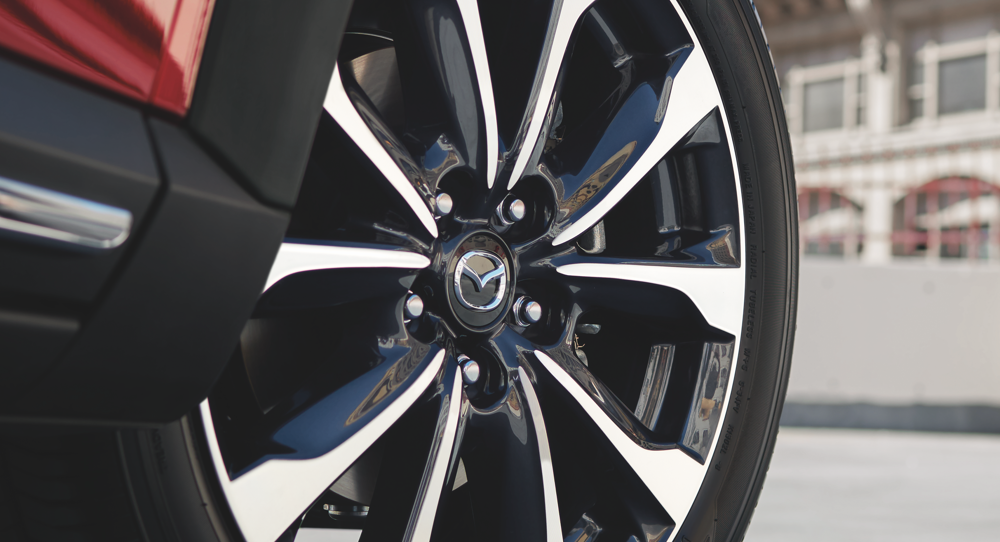
The Mazda app can check the tire condition of your Mazda vehicle. It provides a visual representation of all four tires and displays their current pressure and condition, such as “Good” or “Poor”. This information is based on data collected by your Mazda’s tire pressure monitoring system (TPMS).
If the app detects that a tire has a poor condition, it will alert you to have it checked or replaced by a professional. Additionally, you can set up alerts to notify you when the tire pressure is low or when the tires need to be rotated, which can help you stay on top of your vehicle’s maintenance needs.
To check the tire condition on the Mazda app, follow these steps:
- Open the Mazda app on your smartphone or tablet.
- Log in to your account, if you haven’t already done so.
- Tap on the “Vehicle” icon at the bottom of the screen.
- Select the Mazda vehicle that you want to check the tire condition for.
- Once you’ve selected the vehicle, you should see an overview of its current status, including the tire pressure and tire condition.
- To get more detailed information about the tire condition, tap on the “Tires” section.
- Here, you’ll see a visual representation of your Mazda vehicle with all four tires shown. Each tire will be labeled with its current pressure and condition (e.g. “Good” or “Poor”).
- If a tire is showing poor condition, you may need to have it checked or replaced by a professional.
- Additionally, you can also set up alerts to notify you when the tire pressure is low or when the tires need to be rotated, which can help you stay on top of your vehicle’s maintenance needs.
Connect with us

Recent Blog Entries
- Everything You Need to Know About the 2026 Mazda CX-30
- Selling Your Car to a Mazda Dealer: Why It’s a Better Option Than Online Buyers
- Maximizing Your Mazda Trade-In Value in Camp Springs, MD
- Avoid Common Leasing and Financing Mistakes with Your Mazda
- How Our Finance Experts Simplify Buying a Mazda in Camp Springs, MD